To Create a MySQL Database
MySQL is an open-source relational database management system. It is one of the best RDBMS being used for developing web-based software applications. You have access to root user, you can easy create any database using mysql.
In this article Hostripples will give you how you can easily create a new database from your cPanel. Follow the steps and create a MySQL Database.
Step 1 : Log in your cPanel.
Step 2 : Go to MySQL Databases.
Step 3 : Navigate to the Create New Database box.
Step 4 : Enter the Database Name in the New Database text field.
Step 5 : Click on the Create Database button.
Step 6 : The database name will be preceded by the cPanel username.
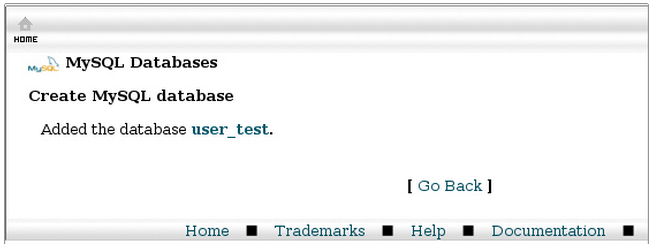
Example, if your cPanel user name is user and you want to have a database named test, the actual database name will be user_test.
Then, You will get a confirmation message.
The app development industry is evolving at an incredible pace. A decade ago, creating an application required extensive programming knowledge,…
Introduction to Cloud Hosting In today's digital world, website performance can make or break an online business. Whether you run…
In the world of digital marketing, getting attention is only half the battle. The real goal is to convince people…
Introduction In today's digital world, understanding website bandwidth is essential for anyone running a website. Whether you own a blog,…
Artificial intelligence is changing the tech world at lightning speed. From automated chatbots to AI-generated applications, many people are now…